LUTForge
Generate 3D LUTs from image pairs
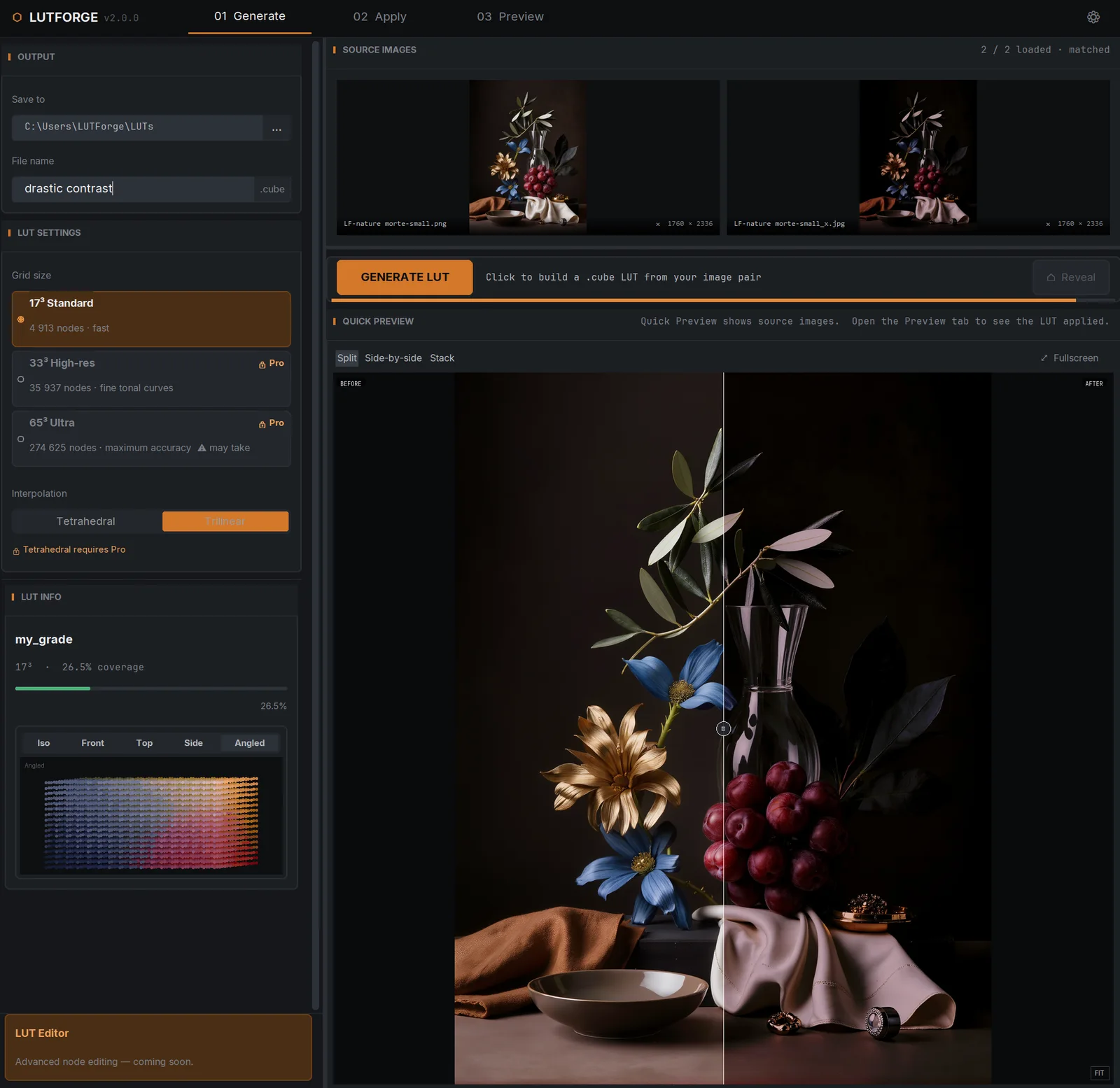
LUTForge turns a before/after image pair into a 3D LUT: it learns the grade from your example and exports a standard .cube file (with JSON sidecar metadata) that drops into any major editor. Companion to ChromaBlender — both make their home at chromablender.com.
Downloads, docs, and checkout are on the product site. Purchases processed by Paddle.
What it does
-
LUTs from image pairs
Feed it a before/after pair — LUTForge derives the transformation as a 3D LUT you can reuse anywhere.
-
Up to 65³ ultra grids
Basic ships 17³ (4,913 nodes) with trilinear interpolation; Pro unlocks 33³ and 65³ ultra grids with cinema-grade tetrahedral (Sakamoto) interpolation.
-
Industry-standard export
.cube files plus JSON sidecar metadata for pipeline integration — compatible with Resolve, Premiere, Final Cut, Lightroom, and Photoshop.
-
Preview before you commit
Real-time before/after comparison, and apply preset LUTs to your images inside the app.
Good to know
- 14-day free trial with full Pro features — no credit card, starts inside the app
- Basic and Pro are one-time lifetime licenses (1 PC each)
- Pro adds 33³/65³ grids, tetrahedral interpolation, and priority support
- Licenses are machine-bound with a 30-day offline grace
- Windows
No prices here by design — pricing lives where checkout lives, on the product site.