
ChromaBlender
Professional color transfer tool
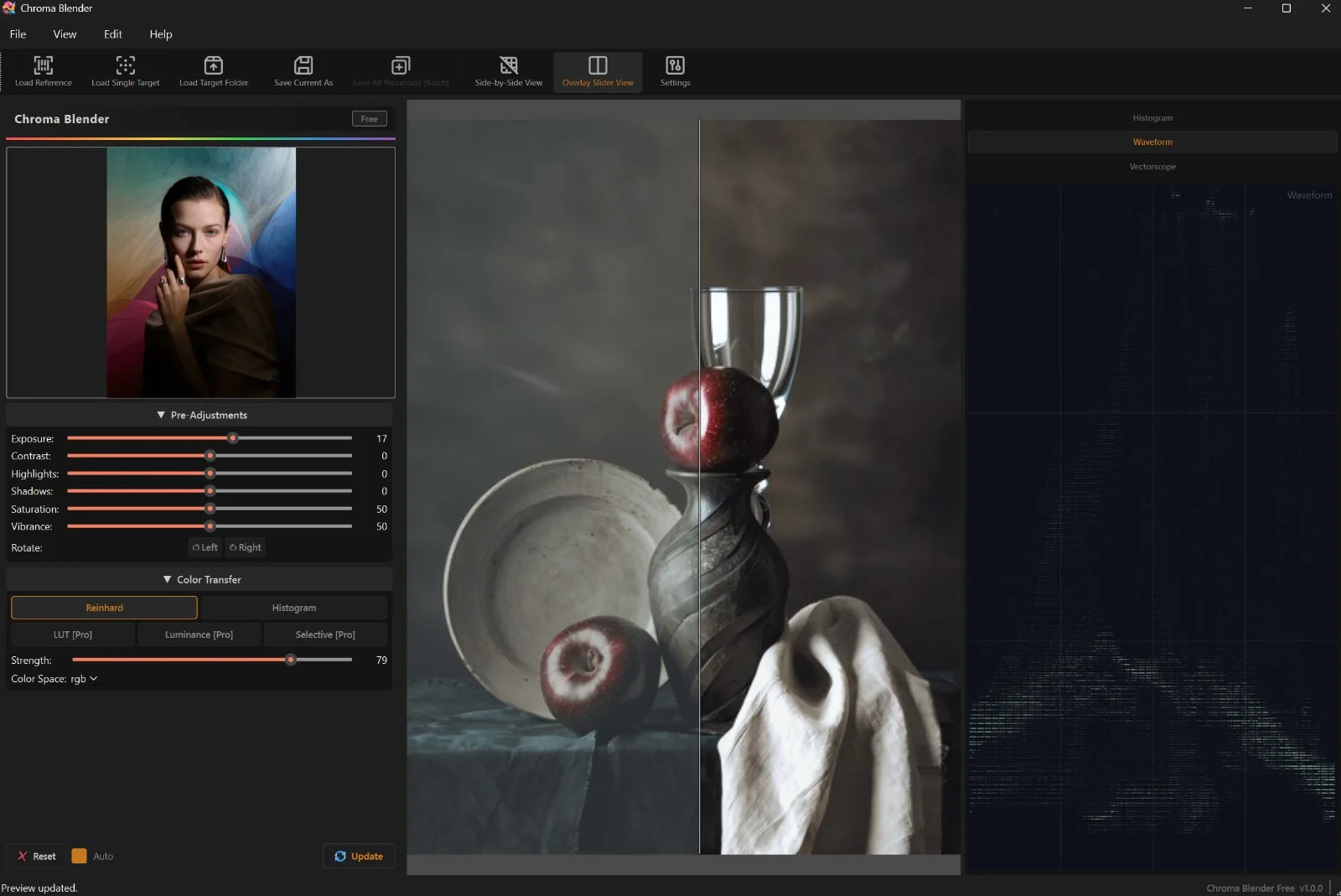
ChromaBlender transfers the look of a reference image onto yours: five color-transfer methods, full RAW support, batch processing for whole folders, and a CLI for automation. Companion to LUTForge — both make their home at chromablender.com.
What it does
-
5 color-transfer methods
Reinhard, Histogram, LUT, Luminance, and Selective zone methods — pick the math that fits the shot.
-
Batch a whole folder
Load a folder of RAW or JPEG files and apply the same grade to all of them in one pass.
-
Full RAW pipeline
Reads CR2, NEF, ARW, DNG and dozens more RAW extensions (~40 in total); outputs 16-bit TIFF with EXIF metadata preserved.
-
Preview & pre-processing
Split-screen and overlay-slider previews, plus exposure, contrast, highlights, shadows, saturation, and real vibrance controls.
-
Command-line interface
A full CLI for scripting and automation — grade whole folders without opening the UI.
Good to know
- A genuinely usable Free edition exists today
- Pro: one-time lifetime license, 1 PC — folder batch processing, LUT transfer (.cube), luminance + selective methods, priority email support, minor version updates
- Studio: one-time lifetime license, 2 PCs — everything in Pro, plus all future add-on packs and major version updates
- Licenses are machine-bound with a 30-day offline grace — the app works offline
- Windows 10/11 today; on the public roadmap: AI color transfer and a native macOS version
No prices here by design — pricing lives where checkout lives, on the product site.